Precision Mounting Clevis
Getting the fundamentals of part design exactly right.
- Year
- 2024
- Software
- SolidWorks
- Focus
- Part Design · Machining · GD&T Fundamentals
Overview
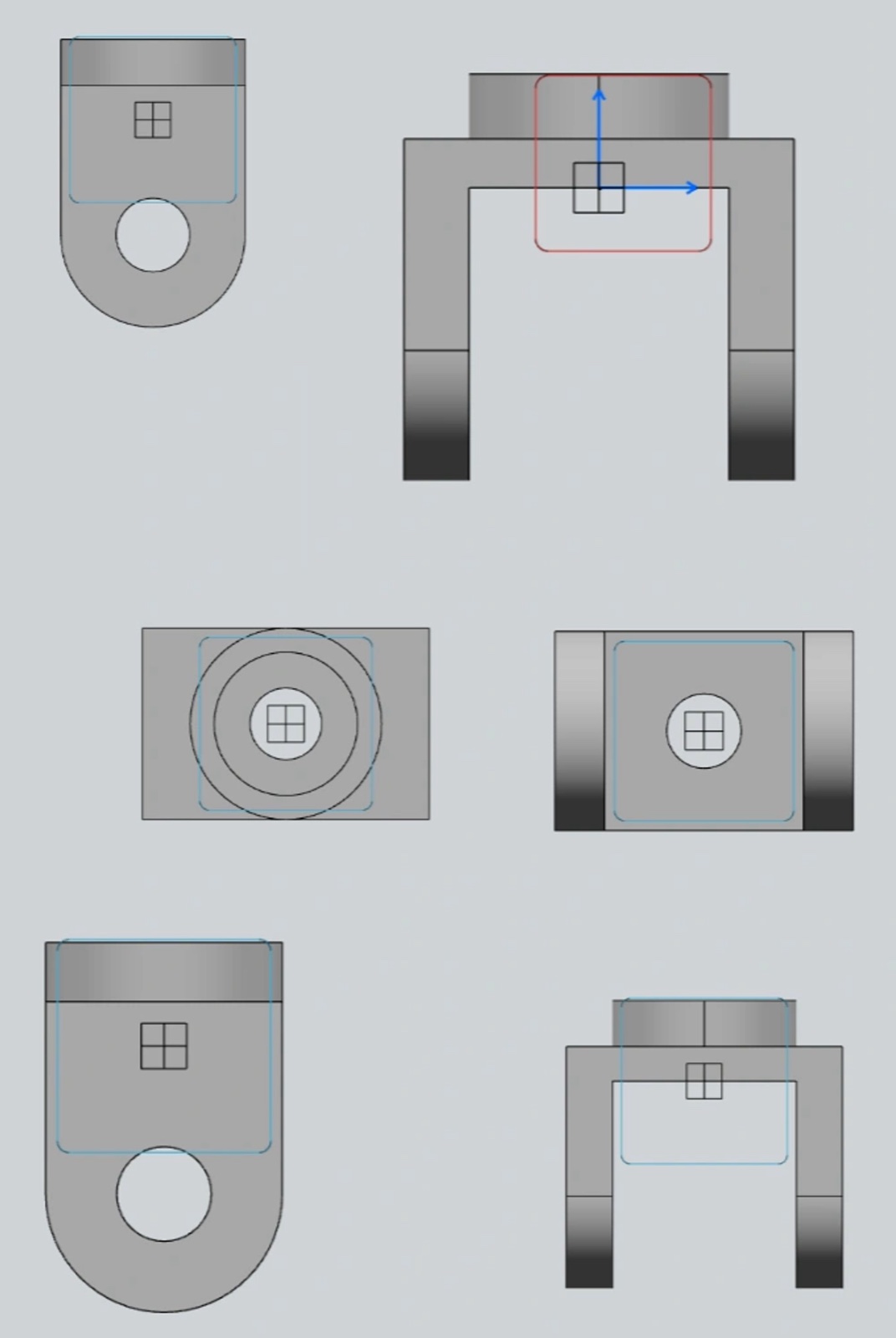
A clevis is a deceptively simple load-bearing bracket: a forked body and a pin bore that carries a pinned joint. It is a fundamentals piece, and I modeled it to make the fundamentals automatic.
The focus was disciplined orthographic construction — a fully-defined sketch, clean feature order, and a part that would read correctly on an engineering drawing.
Simple parts are where good habits are built, so I treated this with the same rigor I would give a complex one.
Engineering process
Decisions, iterations, and tradeoffs.
- 01
Fully-defined sketches
Every sketch is fully constrained before it becomes a feature. That habit is invisible in the final render but is the difference between a robust model and one that breaks on the next edit.
- 02
Feature order with intent
I ordered features so the design tree tells the story of how the part is made — base body, fork, then the bore — which keeps the model easy to read and to change.
- 03
Drawing-ready geometry
The part is modeled to project cleanly into standard orthographic views, so it could drop straight into a dimensioned drawing without cleanup.
Gallery
CAD · Surfacing · Renders
What I learned
Fully-defined sketches are the cheapest insurance in CAD — they cost seconds and save rebuilds.
A readable feature tree is a gift to the next engineer, who is often future-you.
Fundamentals done deliberately are what make the hard parts feel routine.
Next project